Search Docs
Deleting a wage batch
You can delete a wage batch only if it is the newest batch. e.g. To delete a wage batch 3 months old you will have to first delete all wage batches in front of it.
Delete batch procedure
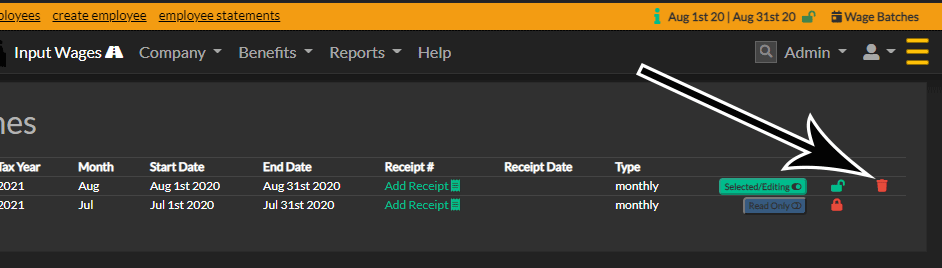
- On the "Wage Batches" page, click the red trash can to start the delete process
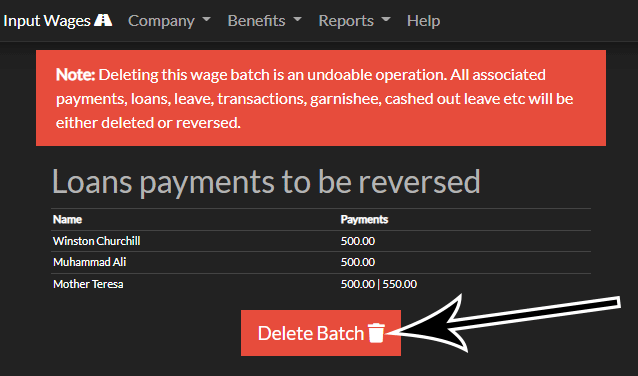
Stage 2 - confirmation page
- The confirmation page displays any deletions or reversing that will take place
- Click the "Delete Batch" button
Final confirmation
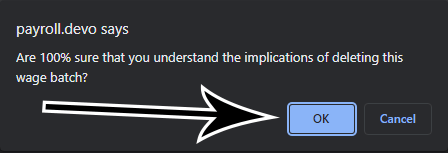
- Click the "OK" button when you are sure you know you need to delete the batch