Search Docs
Isolatable ODM Labels
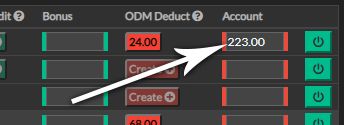
Isolatable ODM's, when enabled will be available as a new column on the input wages page. This will omit the need to click the ODM popup and select the label from a drop down.
Enable/Disable Procedure
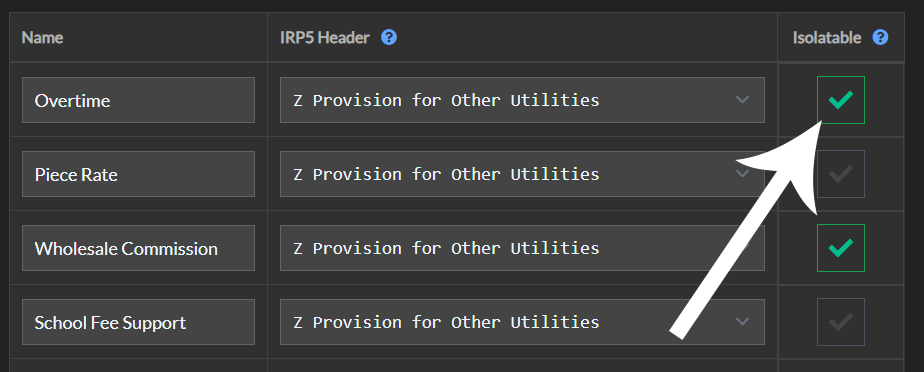
OCM labels can be clicked to disable and again clicked to enable
Enable/Disable Procedure (from Input Wages page)
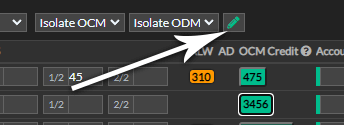
- From Input Wages page click the green pencil icon
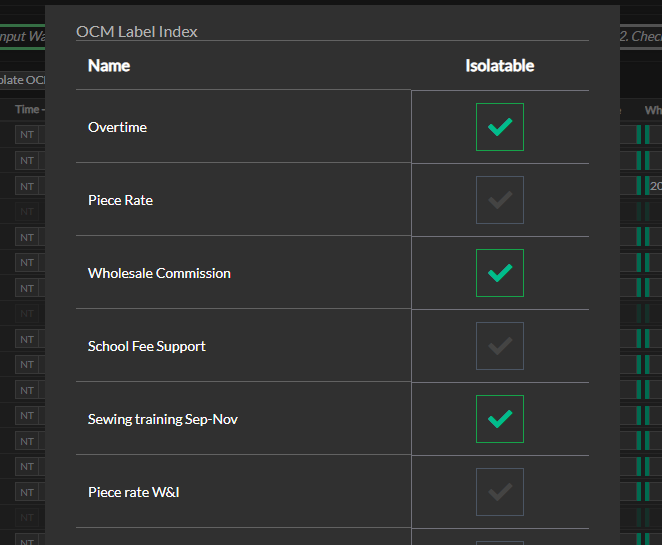
- From the popup window, click the icon to enable the isolatable label, or click it again to disable it.
- Click the Refresh button to reload the page and your isolatable choices.