Search Docs
Accessibility
Allowances Module
Automated Deductions
Company
Department
Employees
Employee Payrise
Employee Classes
Employee Contracts
Employee rates
Input Wages
Check Wages
Leave
OCM (other credits multiple)
ODM (other deductions multiple)
Reminders
Wage Batches
Delete Company
Main Navigation > Company > Company > Index > Delete
When you delete a company from the system, it is not permanently erased right away. Instead, the company’s information is hidden or deactivated, making it no longer visible or accessible in the usual areas of the system. However, the data is still stored safely in the background. This allows the company to be restored later if needed, without the need to recreate it from scratch.
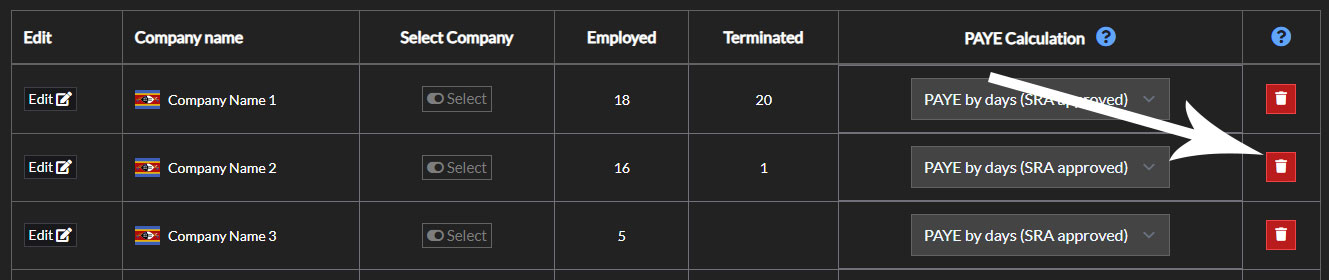
Delete Company

Ready to eliminate payroll risk? Finalize wages in just 2 steps.

Stop dreading payday. Our unique system combines in-place editing with an unmatched, pre-commitment review screen, giving you total confidence and unmatched speed.